How to Choose the Right CRM Software

Choosing the right CRM is not about picking the most popular tool - it's about selecting a system that matches your sales process, team size, and growth plans.

A good CRM should help you track leads, automate follow-ups, improve customer relationships, and increase revenue without adding complexity.

A CRM should not only organize customer data - it should help your business close deals faster, improve follow-ups, and create better customer experiences. The right CRM gives your sales and support teams complete visibility into leads, conversations, tasks, and opportunities in one centralized system, helping your business operate more efficiently as it grows.

Here’s a simple step-by-step guide to help you decide.
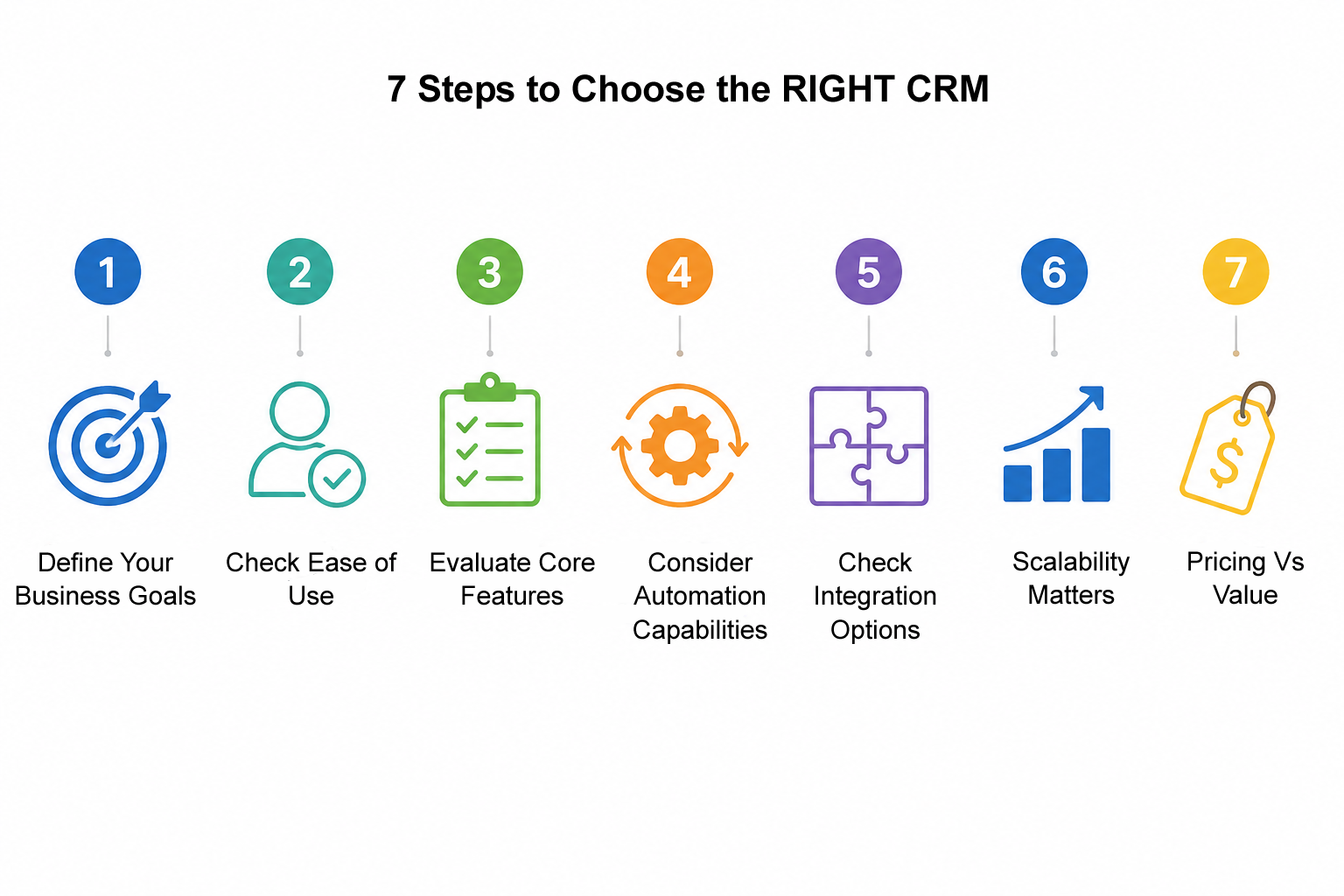

7 Steps on how to choose the right CRM for your Business


Step 1: Define Your Business Goals

Ask:
  • Do you want better lead tracking?
  • Do you need sales automation?
  • Do you want customer support visibility?

Your CRM should solve your primary bottleneck first.

Step 2: Check Ease of Use

A CRM is only useful if your team actually uses it.

Look for:
  • Clean interface
  • Minimal training required
  • Fast onboarding

👉 Example: LuitBiz CRM focuses on simplicity so teams can start quickly without long implementation cycles.


Step 3: Evaluate Core Features

Your CRM must include:
  • Contact & lead management
  • Sales pipeline tracking
  • Task & follow-up reminders
  • Reporting & dashboards

Advanced systems like LuitBiz CRM also support workflow automation and centralized customer data.

Step 4: Consider Automation Capabilities

A good CRM should reduce manual work.

Check for:
  • Email automation
  • Follow-up scheduling
  • Workflow triggers
  • Activity reminders

Automation = higher productivity with fewer missed opportunities.


Step 5: Check Integration Options

Your CRM should connect with:
  • Email (Gmail / Outlook)
  • ERP or accounting tools (Integration via API)
  • Marketing tools
  • Support systems

This avoids data silos and improves visibility across teams.

Step 6: Scalability Matters

Choose a CRM that grows with you:
  • Can it support more users later?
  • Can it handle multiple teams?
  • Can it adapt to new processes?

LuitBiz CRM is designed to scale from small teams to enterprise environments.


Step 7: Pricing vs Value

Don’t just compare price - compare ROI:
  • Time saved per employee
  • Leads not lost
  • Faster sales cycles

A slightly higher-priced CRM can often deliver far higher returns.

Final Thought

The right CRM is not the most complex - it’s the one your team will actually use and that improves your sales process consistently.

If you are looking for a simple, scalable, and automation-friendly CRM, LuitBiz CRM is built to help businesses streamline customer management without complexity.


Ready to Simplify Your Customer Management?

Stop losing leads and start managing customers efficiently with a smarter CRM system.

Frequently Asked Questions

What is the most important factor when choosing a CRM?

Ease of use and adoption by your team are the most critical factors.

Do small businesses need a CRM?

Yes. Even small businesses benefit from better lead tracking and customer management.

What features should a CRM have?

Lead management, pipeline tracking, automation, reporting, and integrations.

Is expensive CRM software always better?

No. The best CRM is the one that delivers the highest ROI for your workflow.

How does LuitBiz CRM help businesses?

LuitBiz CRM helps businesses manage leads, automate workflows, and improve customer relationships through a simple and scalable system.